


|
Name |
App Lock |
|---|---|
|
Google Play Link |
GET IT ON
Google Play
|
|
Category |
Tools |
|
Developer |
PIPS Tech |
| Last version | 6.5.0in |
|
Updated |
|
|
Compatible with |
Android 6.0+ |
Introduction to App Lock APK
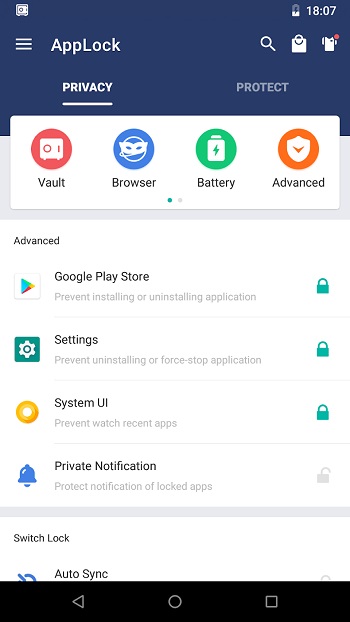
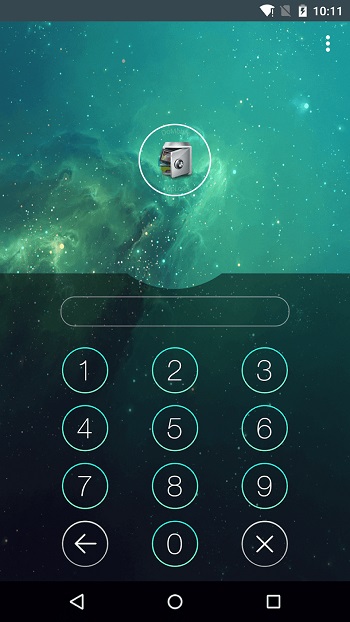
App Lock APK is a privacy and security app for Android users who want better control over personal apps, files, and phone settings. It helps protect apps such as messaging, social media, gallery, payment, and game apps using a PIN, pattern, fingerprint, face unlock, or another supported lock method.
The main use of App Lock is simple: keep private content away from curious hands. You can lock chat apps, photo galleries, system settings, incoming calls, and app stores. This is useful when someone borrows your phone, a child plays with it, or a friend casually taps around like they own the place.
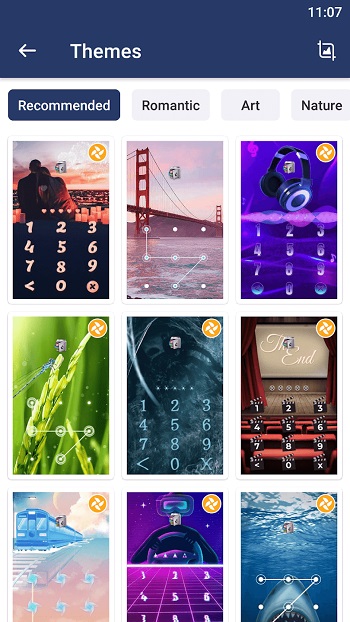
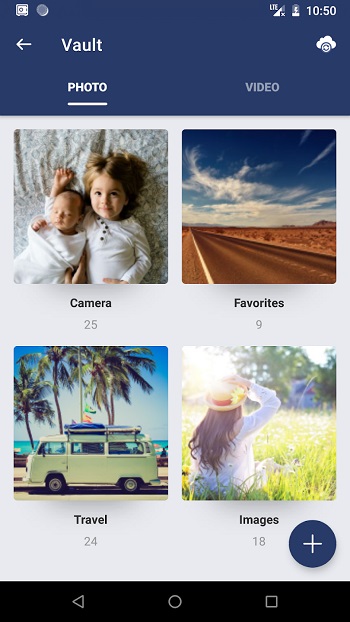
App Lock also offers extra tools beyond basic app locking. Some versions include a photo and video vault, file locker, private browser, intruder selfie, custom themes, random keyboard, fake error screen, quick lock switch, and timed locking. These features make the app more flexible for daily privacy, especially when you share your device often.
A strong benefit of App Lock is convenience. You do not need to lock the whole phone every time. You can protect only the apps or files that matter most. Anti-uninstall protection can also stop others from removing the app without permission, which adds another useful safety layer.
There are a few limits to know. Some advanced tools may depend on your Android version, device permissions, or premium access. Password recovery can sometimes feel slow if email verification is needed. Features like accessibility service or device administrator access may also make cautious users want to review permissions before turning them on.
App Lock APK is suitable for privacy-focused users, parents, students, professionals, and anyone who often lends their phone to others. It is especially helpful for protecting banking apps, work apps, private chats, photos, videos, and settings. This overview is written for everyday Android users, based on the provided app details, feature lists, and common real-world privacy needs.
FAQs App Lock
What is App Lock used for?
+
App Lock is used to protect selected Android apps, photos, videos, files, and settings with a password, pattern, fingerprint, or face lock.
Can App Lock protect photos and videos?
+
Yes. Some versions include a private vault where you can hide photos and videos behind a lock, so they do not appear easily in the normal gallery.
Does App Lock work without rooting the phone?
+
Yes. App Lock is designed to work on regular Android devices without root access, though some features may need permissions to run properly.
Can someone uninstall App Lock to bypass it?
+
Some versions include anti-uninstall or advanced protection features that help stop unauthorized removal, but users must enable the required permission first.
Who should use App Lock APK?
+
App Lock APK is useful for anyone who shares a phone, protects private chats, stores personal media, uses banking apps, or wants to keep children away from settings and purchases.
Discover More Interesting Apps
-

Hik Connect
v7.0.0.0923
472.87 Mb
Updated -
Mod
Nzb360
v25.2
13.82 Mb
Updated -
Mod
CastDuo
v3.1.0
81.43 Mb
Updated -
PGT+
v0.26.4
6.00 Mb
Updated -
PDF Editor
v6.4.2
76.30 Mb
Updated -
Nebula Boost
v1.5.5
14.11 Mb
Updated -
Mixing Station
v3.2.0
32.67 Mb
Updated -
VPN.lat
v3.9.61
40.43 Mb
Updated -
Mod
Download Hub Movies
v7.3.6
62.27 Mb
Updated -
Mod
ShareBox
v1.5.0
86.99 Mb
Updated










Share Your Thoughts